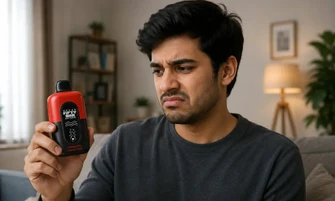

Your Fifty Bar vape was working perfectly, but now it starts blinking when you take a puff and suddenly stops producing vapor. If you are wondering, “Why is my Fifty Bar vape blinking?” you are not alone. This is one of the most common questions we hear from Fifty Bar users, and the good news is that it is usually a quick fix.
In most cases, your vape is simply sending you a signal. It may need a quick charge, you may have taken a longer draw than the built-in limit allows, or something as simple as restricted airflow could be stopping it from working properly. Before assuming your Fifty Bar vape is finished, there are a few simple checks you can do.
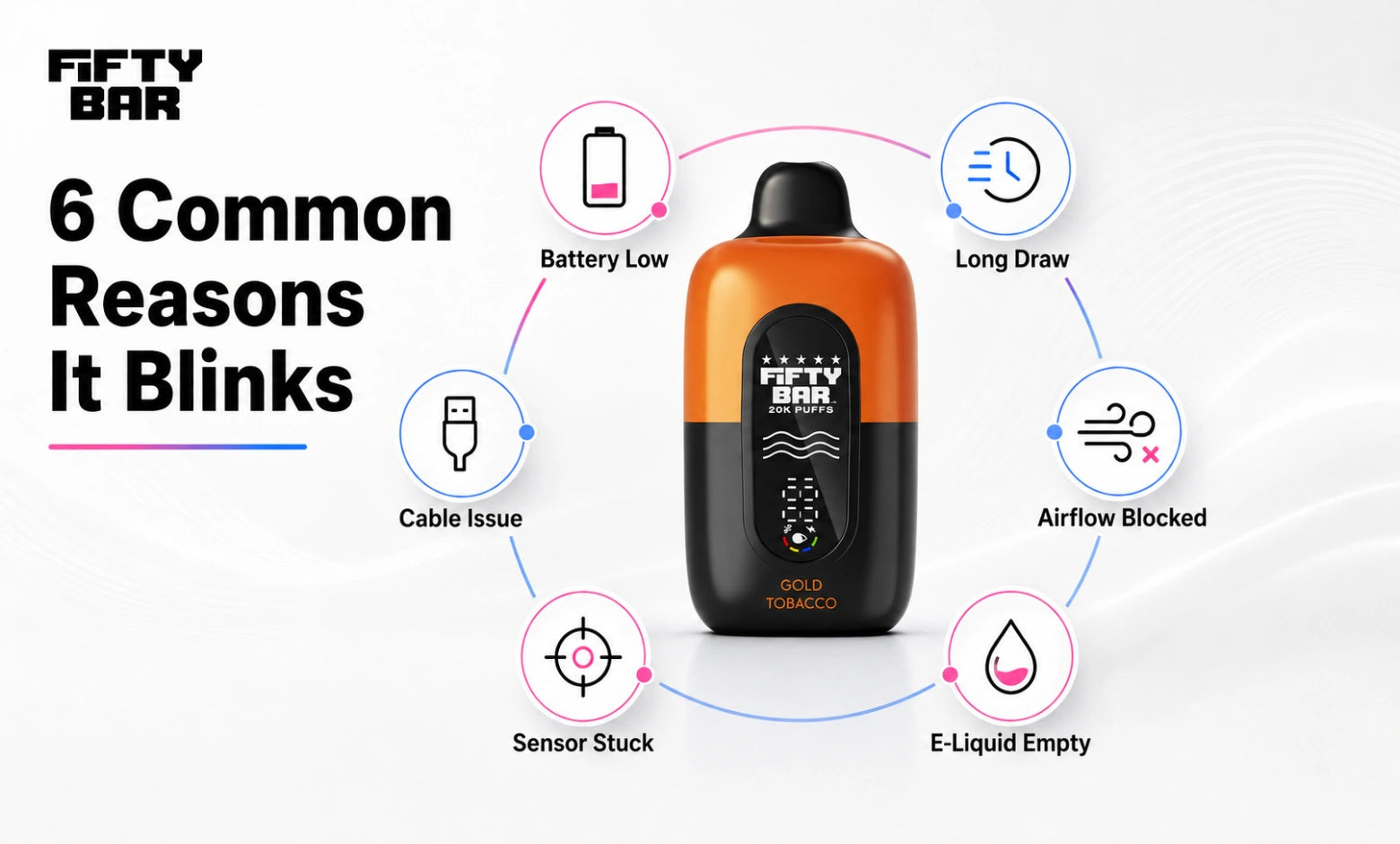
A Fifty Bar vape blinks for one of six reasons:
- The battery needs charging: The most common cause by a wide margin. Both models charge over USB-C.
- You triggered the puff cutoff: Holding a draw past the built-in limit ends the puff and flashes.
- Airflow is blocked: A closed airflow ring, a packaging plug still in place, or lint in the intake.
- The charging connection isn’t working: Usually, the cable or the power source, not the device.
- The puff sensor is stuck: The device flashes or fires on its own. Stop using it.
- The e-liquid has run out: The device is finished.
Five of these six you can fix yourself, usually in under two minutes.
The rest of this guide walks you through each cause in the order you should check it, explains how to tell them apart on a Fifty Bar specifically, and covers what the colors actually mean. We’ll also get into what to do when a brand-new device flashes out of the box, and when it’s time to stop troubleshooting and replace it.
Key takeaways
- Yes, your Fifty Bar recharges. Both the 20K and the 6500 charge over USB-C.
- A falling e-liquid reading on the 20K screen is information, not a fault.
- Flashing at the end of a long pull is the puff cutoff doing its job.
- A device that fires on its own should be set aside, not tapped, shaken, or opened.
Explore Our Collections
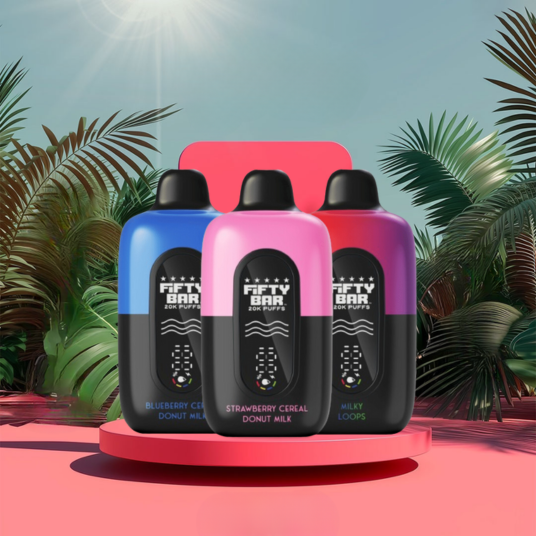
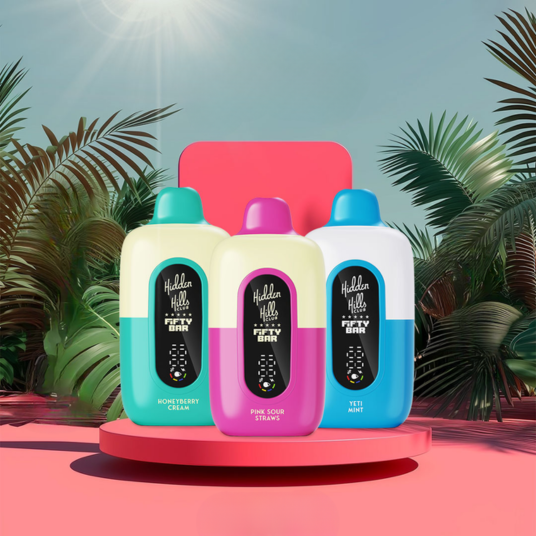

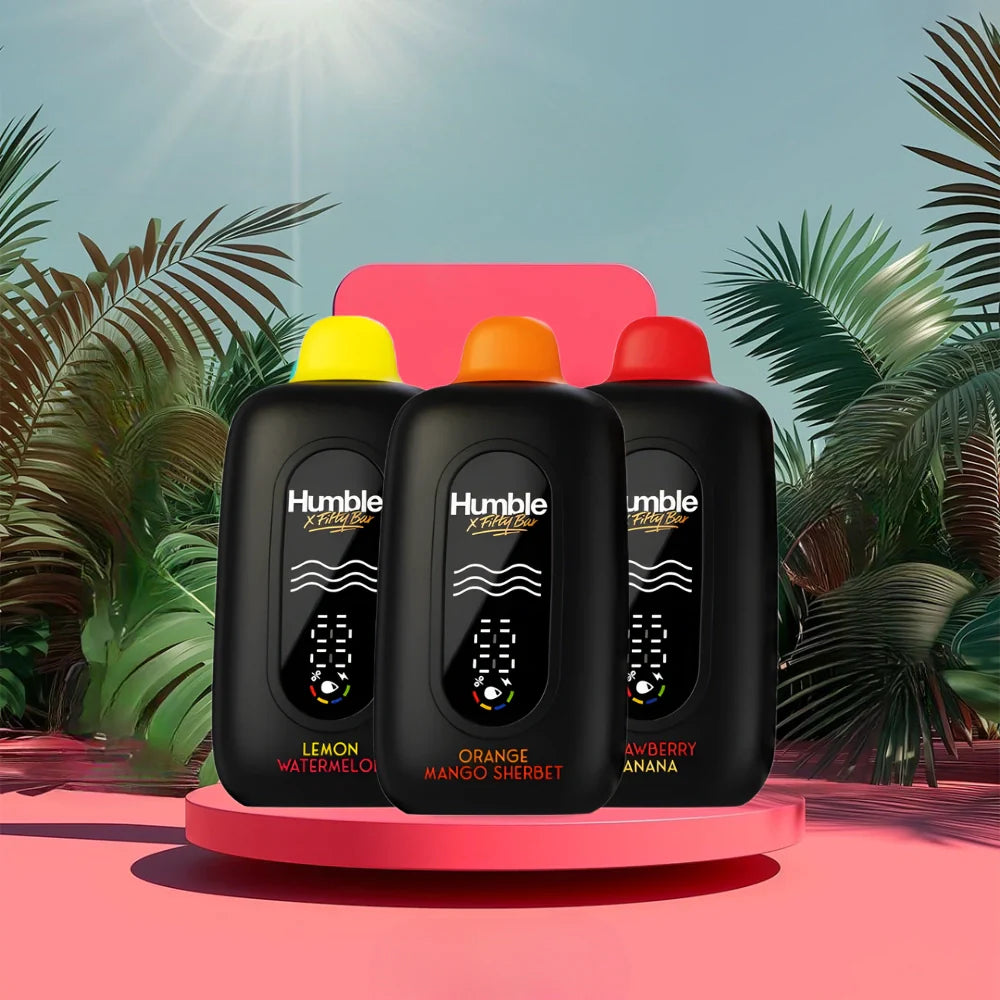
Table of contents
First, Is It Blinking, or Is the Screen Talking to You?
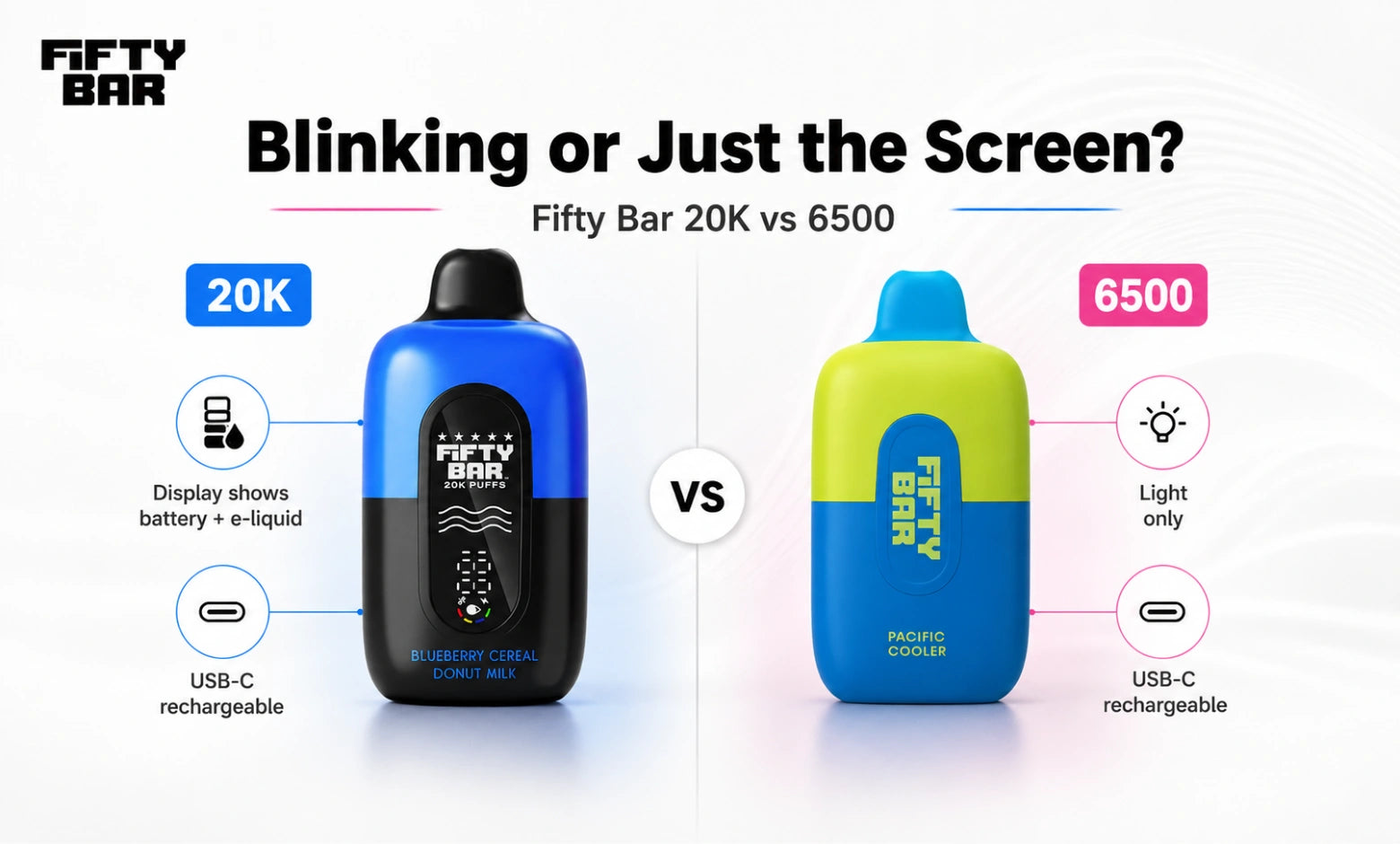
This is the most common mix-up we hear about, and it’s worth 30 seconds before you touch anything else.
Look at the Fifty Bar 20K’s display, and you’ll see two things reported at once: how much charge is left, and how much e-liquid is left. Those readings don’t move together. It’s perfectly normal to see a topped-off battery sitting next to an e-liquid level that’s nearly gone, because the cell refills and the liquid doesn’t. If what caught your eye was the e-liquid reading sliding toward its final segment, nothing has broken. The vape is telling you it’s working through the last of its 18 mL.
The Fifty Bar 6500 has no display at all. A single light is your only indicator, which shortens the checklist but also removes the reading that makes the 20K easy to diagnose.
Fifty Bar 20K |
Fifty Bar 6500 |
|
Indicator type |
Battery and e-liquid display |
Light only |
E-liquid |
18 mL |
Sealed, non-refillable |
Battery |
800 mAh, USB-C rechargeable |
400 mAh, USB-C rechargeable |
Airflow |
Adjustable |
Fixed |
Coil |
Dual parallel mesh, anti-burn |
Anti-burn technology |
Hidden Hills x Fifty Bar, Fruitia x Fifty Bar, and Humble x Fifty Bar are built on the identical 20K chassis, so every step on this page applies to them unchanged. The difference between those lines sits in the tank, not in the electronics.
Once you know which reading you’re looking at, the rest gets much easier.
Why Is My Fifty Bar Vape Blinking? The 6 Most Common Reasons
Find the row that matches what you’re seeing, then read the matching section below.
What you notice |
Most likely cause |
First thing to try |
Flashes at the end of a long draw |
Puff duration cutoff |
Wait a few seconds, take a shorter draw |
Flashes, no vapor, battery reads low |
Battery needs charging |
Charge over USB-C |
Flashes and the draw feels very tight |
Blocked or closed airflow |
Open the airflow ring, clear the intake |
Flashes while plugged in |
Cable, adapter, or port issue |
Swap the cable, use a standard USB port |
Flashes with nobody touching it |
Puff sensor stuck |
Stop using it, set it somewhere non-flammable |
Flashes, e-liquid reading at final segment |
Device is finished |
Replace and recycle it |
Run these checks in this order:
- Read the screen on the 20K before you assume anything is broken.
- Charge it over USB-C.
- Take a shorter draw.
- Open the airflow ring and clear the intake.
- Swap the cable first, then swap the power source.
- If it’s flashing on its own, stop using it and contact us.
1. The battery needs to be charged
Somewhere around three in four cases end right here. If the device ran fine for days and then started flashing, the cell is almost certainly flat.
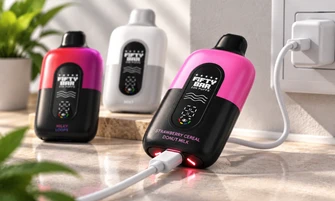
Both Fifty Bar models recharge. Find the USB-C port on the bottom of the device, run a cable to any ordinary phone charger or laptop, and watch the 20K’s battery readout climb. Let that readout tell you when it’s finished instead of timing it, since different adapters fill the cell at very different speeds.
One thing to avoid: pairing a cell this small with a high-wattage fast brick. An everyday low-output port is a better match. And if the device was run completely flat, give it a few minutes on the charger before you decide it’s dead. A deeply drained cell will sometimes keep flashing for a while before it starts taking power properly.
You may have read elsewhere that disposables can’t be recharged. That advice belongs to an older generation of smaller devices. Your 20K pairs an 800 mAh cell with 18 mL of e-liquid, and it’s built to be refilled with power over and over before that liquid is gone.
2. You held the draw too long
Every Fifty Bar limits how long a single puff can run. Pass that limit, and the vape ends the draw and flashes at you. People call this “hitting a blinker,” and it surprises anyone coming from hardware with a longer cutoff.
Nothing is wrong when it happens. It’s a protection feature behaving exactly as designed, and it exists to keep the coil from running hot through one extended pull. Set the device down for a few seconds, then come back with a shorter draw of roughly one to two seconds. If the flashing only ever shows up at the end of long pulls and never on short ones, you’ve found your answer.
There’s a side benefit, too. Triple the length of your pull and you roughly triple what it consumes, so trimming a second off each draw stretches the device noticeably.
3. Airflow is blocked or closed off
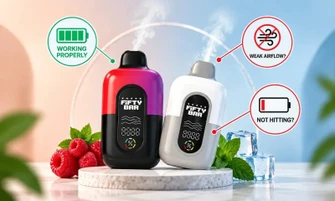
When the device flashes and the draw feels unusually tight, air isn’t moving through it the way it should. On inhale-activated hardware, restricted airflow can stop the device from firing.
Check these in order:
- The airflow control: The 20K ships with an adjustable airflow ring that plenty of owners never realize is there. Rotate it open if it has been closed down.
- Packaging leftovers: On a new vape, confirm the silicone plug is out of the mouthpiece, and any sticker covering the base intake has been peeled off.
- Lint or debris: Pocket fuzz around the intake is common. Clear only what’s visible on the outside using a dry cotton swab.
Never push a pin, paperclip, toothpick, or any other metal object into the airway or the charging port.
4. It flashes while charging, or right after you unplug it
If the flashing begins the second you plug in, or carries on after you disconnect, work through the charging chain before blaming the device. Swap in a USB-C cable you’ve seen work on something else. Change the power source, since a wall outlet, a laptop port, and a car charger don’t all behave the same. Shine a light into the port and check for packed-in lint. Looking is as far as this goes, and nothing gets inserted.
There’s a full section on this below if a new cable doesn’t solve it.
5. It’s flashing on its own
A vape that flashes or fires while nobody is touching it usually has a puff sensor stuck in the activated position.
Treat this one differently. Every other cause here asks you to keep testing. This one asks you to put the device down. Set it somewhere clear and non-flammable, away from paper, bedding, curtains, and direct sunlight. Don’t carry it in a pocket while it’s behaving this way. Don’t open it, and don’t try to force it to stop. Reach out to us, and we’ll handle it from that point.
6. It’s simply finished
If you’ve charged it, the battery reads full, and it still flashes without producing vapor, the e-liquid has almost certainly run dry.
One distinction worth drawing: flavor fading and an empty device are not the same thing. Stay on one profile long enough, and your taste buds stop registering it as strongly, which reads as a weak device even when the tank is fine. Give yourself a day on something else, and the original usually sharpens right back up. But a device that won’t fire at all on a full charge has reached the end of its life rather than the end of your palate’s attention. Our guide on how long a Fifty Bar vape lasts covers what to expect from 18 mL at different usage levels.
What Do the Blink Colors and Patterns Mean?
Search “why is my Fifty Bar vape blinking” plus a color, and you’ll find three different answers, so let’s be straight about why that happens.
Blink counts and colors are not standardized across the vaping industry. Ten flashes on one brand’s device tells you nothing about ten flashes on another. Color works the same way. A pattern that signals low battery on one device can signal a protection cutoff on the next. Any article presenting a specific flash count as a fixed universal meaning is guessing.
Here’s the useful version instead: diagnose from the behavior, not the color.
Why Is My Fifty Bar Vape Pen Blinking Blue?
Blue on devices in this class usually relates to charging or firing status rather than a fault, so read it as a normal signal and diagnose based on what the hardware is doing. The version of that question we actually get asked is: Why is my Fifty Bar vape blinking blue and not hitting? There, the color matters far less than the behavior. Blue plus no vapor still points to the battery first, then airflow, then an empty device. Run the six checks above in order.
Why Is My Fifty Bar Vape Blinking Green?
Green typically indicates a healthy or higher charge level on devices that use color coding, so green alongside a working draw is rarely something to act on. Green with no vapor sends you back to the airflow check and the e-liquid reading rather than to the charger. Charging a cell that already reads full accomplishes nothing.
Why Is My Fifty Bar Vape Pen Blinking Red?
Red earns a closer look than the other two. On color-coded hardware, red commonly marks low charge or a protection state, so put it on USB-C first. If red persists on a full charge, treat it as a protection cutoff rather than a power problem and move along to the airflow and sensor checks.
Want the exact pattern your specific Fifty Bar uses? Send us a short video of the behavior with your order number, and we’ll tell you what it means rather than have you guess. That’s a more dependable answer than any general article can give you, this one included.
Fifty Bar Blinking but Not Charging? Try This
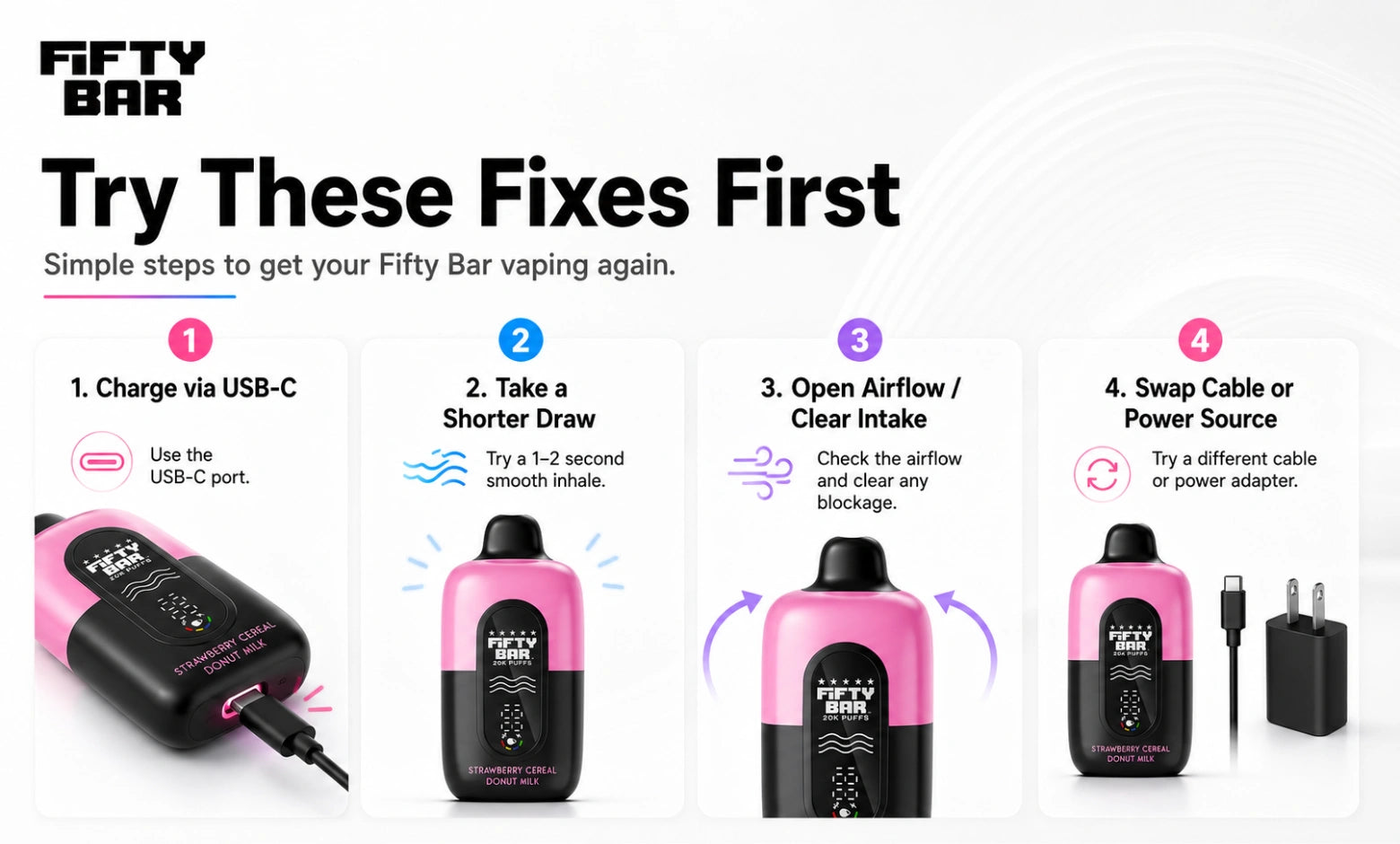
If the flashing survives a charging attempt, work through this sequence:
- Swap the cable: Cables give out quietly and more often than you’d think, and one that keeps your phone topped off can still come up short on hardware this small.
- Change the power source: Move from a laptop port to a wall adapter, or the reverse.
- Use a standard adapter, not a fast charger: A high-wattage brick is a poor pairing for a cell this size.
- Check the port visually: Look for lint or debris. No metal, no liquid cleaner.
- Give it time: A fully drained cell can sit for several minutes before the indicator responds.
- Charge on a flat, clear surface: Not on bedding, not under a pillow, and not overnight while you’re asleep.
If none of that changes anything, the vape has either reached the end of its usable life or developed an internal fault. Either way, the next step is a replacement or a conversation with us, not a repair attempt.
Fifty Bar Lighting Up but Not Hitting? Here’s What’s Happening
A working light confirms one thing only: the battery and circuit are responding. It says nothing about whether e-liquid is reaching the coil, which is why "the light works, so the device works" leads people astray.
Diagnose it by the drawing:
- Tight draw, no vapor: Airflow is your culprit. Check the ring, the mouthpiece plug, and the base intake.
- Normal airflow, no vapor: Look at the power and remaining liquid. A full battery over an empty tank produces exactly this.
- Gurgling or wetness at the mouthpiece: Ease off the suction, dab the mouthpiece dry, and leave the device standing on its base for five minutes or so.
- Persistent burnt taste: Stop using it. That usually means a dry wick and a device that’s done.
When to Stop Troubleshooting and Replace It
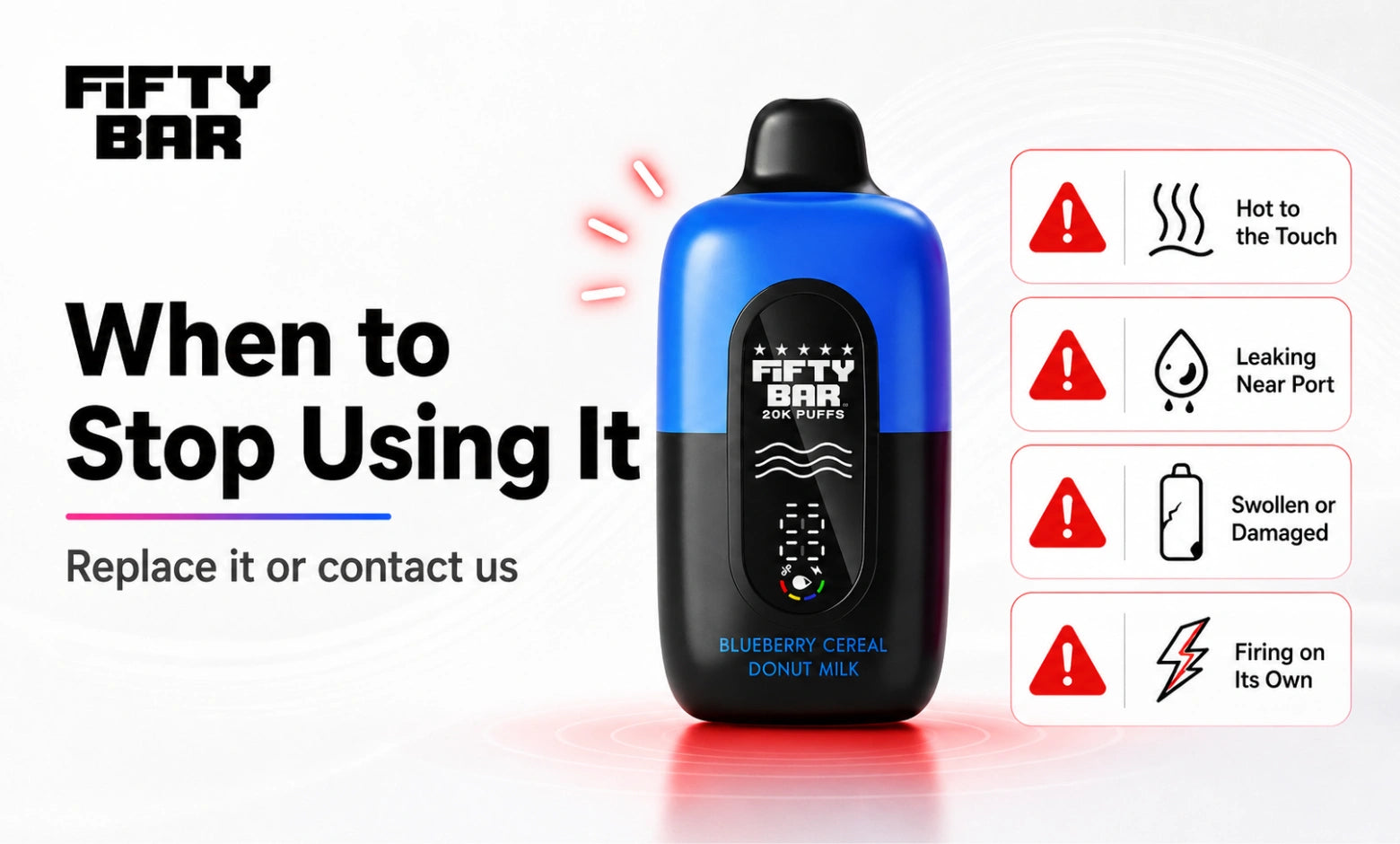
Stop using the device right away, and skip any further fixes, if it is:
- Hot enough to be uncomfortable in your hand
- Swollen, bulging, or bent out of shape
- Split, or seeping liquid, anywhere near the USB-C port
- Making a hissing noise, or giving off a burnt electronics smell
- Firing by itself after you’ve let go
When any of those show up, set the vape aside and contact us. Disconnect it from charging first if that can be done safely, and keep it clear of anything flammable.
When a vape has genuinely finished, keep it out of your kitchen trash and away from the curbside bin. Lithium cells belong in a dedicated collection stream. The EPA’s guidance on safely disposing of e-cigarettes lays out your options, and the FDA’s battery safety tips are worth reading on charging habits generally.
Fixes to avoid completely
- Don’t open a sealed vape or try to reach the cell inside.
- Don’t apply heat from a hair dryer, radiator, stove, or hot water.
- Don’t soak, rinse, or run water over any part of it.
- Don’t push metal tools into the airway or the charging port.
- Don’t refill a vape that wasn’t built to be refilled.
Opening a vape also ends any chance of a replacement, which brings us to the next part.
Brand-New Fifty Bar Blinking Out of the Box? Here’s What We Do
It’s uncommon, but it happens. Sealed electronics occasionally arrive faulty, and pressure changes in transit can push e-liquid somewhere it shouldn’t be, which trips the device’s own protection circuit.
Don’t write the vape off yet. A short run of checks will tell you whether it’s actually done:
- Two quick ones first: Silicone plug out of the mouthpiece, sticker off the base intake, airflow ring not closed down. These account for a fair share of "dead on arrival" reports.
- Keep the packaging and your order number: Don’t toss the box.
- Record a short video of the flashing. Ten seconds is plenty, and it saves a lot of back and forth.
- Contact our team with the video and your order details.
Send us your order number and let us take a look instead of attempting a fix. If you bought from us, come to us first.
How to Prevent Blinking Problems in the First Place
Most of the flashing people run into is avoidable, and the habits that prevent it also stretch the device further.
- Keep draws to one or two seconds: The single biggest lever, both for staying under the puff cutoff and for making 18 mL go further.
- Use the airflow ring: A slightly tighter draw pulls less liquid per second than a wide-open one. Just don’t close it all the way.
- Pace your puffs: Chain-hitting leaves the mesh coil dry between pulls. Count to three or four before the next one, and you’ll pull a steadier draw with better flavor out of the same device.
- Plug in early: Running a lithium cell all the way down again and again is harder on it than adding power while some is still left.
- Keep it standing up, somewhere that doesn’t get warm: A car dashboard in summer is rough on both e-liquid and batteries.
The Bottom Line
A flashing Fifty Bar is usually the vape communicating, not failing. Charge it over USB-C, shorten your draw, open the airflow, and read what the screen is actually reporting. Those four steps clear up most of what we hear about. The exception is a device firing on its own or showing any of the stop-use signs above, and that one comes straight to us instead of into another round of testing.
If yours has simply reached the end of its e-liquid, you can browse the full Fifty Bar 20K and Fifty Bar 6500 ranges, or look through our best Fifty Bar flavors guide if you’re thinking about rotating to something new.
And if you’re still asking, "Why is my Fifty Bar vape blinking?" After all six checks, send us a video. We’d sooner give you a definite answer than leave you guessing.
Frequently Asked Questions
Why is my Fifty Bar vape blinking and not hitting?
Your Fifty Bar is blinking and not hitting because of one of six things: a flat battery, the puff duration cutoff, blocked airflow, a charging fault, a stuck puff sensor, or an empty vape. Charge it over USB-C first, since that settles most cases. Still won’t fire on a full charge? Confirm the airflow ring is open and nothing is covering the base intake. Full battery, clear airflow, and no vapor together point to an empty tank.
Why does my vape blink 10 times?
Ten flashes have no universal meaning across brands. Each manufacturer assigns its own patterns, so the same count signals different things on different models. On a Fifty Bar, diagnose from the symptom table above rather than counting flashes. For the exact pattern your device uses, send us a short video with your order number.
Why is my Fifty Bar blinking after charging?
A Fifty Bar battery that blinks after charging usually doesn’t finish charging. Test a different USB-C cable and a different power source before writing off the vape, because cables fail more quietly than people assume. If the battery reads full and it still flashes without vapor, you’ve run out of e-liquid rather than power.
Can you recharge a Fifty Bar vape?
Yes, and it’s the step most people skip. Both models take a USB-C charge: the 20K runs an 800 mAh cell, the 6500 runs 400 mAh. Because you can keep putting power back in, what ends the vape is an empty tank rather than a dead battery. Plan on plugging a 20K in 10 to 20 separate times before its 18 mL is gone, and see our longevity guide for the full breakdown.
Why is my Fifty Bar lighting up but not hitting?
A Fifty Bar that lights up but doesn’t hit has power reaching the circuit and nothing reaching your mouth. Judge it by the draw: tight airflow points to a blockage, while normal airflow with no vapor points to an empty tank or failed hardware. Work through the airflow ring, the mouthpiece plug, and the e-liquid reading in that order.
How do I fix a blinking disposable vape?
You fix a blinking disposable by working the causes in order of likelihood: charge it, shorten the draw, open the airflow, clear the intake, then change the cable. Every check stays external. Opening the device, heating it, adding liquid, or poking metal into the airway won’t fix anything and will end any chance of a replacement.
Can I fix a Fifty Bar by opening it?
No, Fifty Bar vapes are sealed, and prying one apart exposes a lithium cell, forfeits your replacement, and won’t address the underlying fault. Stick to external checks, then contact us or replace the device once those come up empty.
Is a blinking vape a problem?
A blinking vape is usually a status signal rather than a fault, and most of the time it means the cell needs power or you overshot the puff cutoff. It turns into a real problem when the device runs hot, swells, cracks, leaks near the port, or fires up untouched. When any of that appears, stop using it and contact us.
Fifty Bar products are intended for adults 21 and over who already use nicotine products. Not for sale to minors.
WARNING: This product contains nicotine. Nicotine is an addictive chemical.